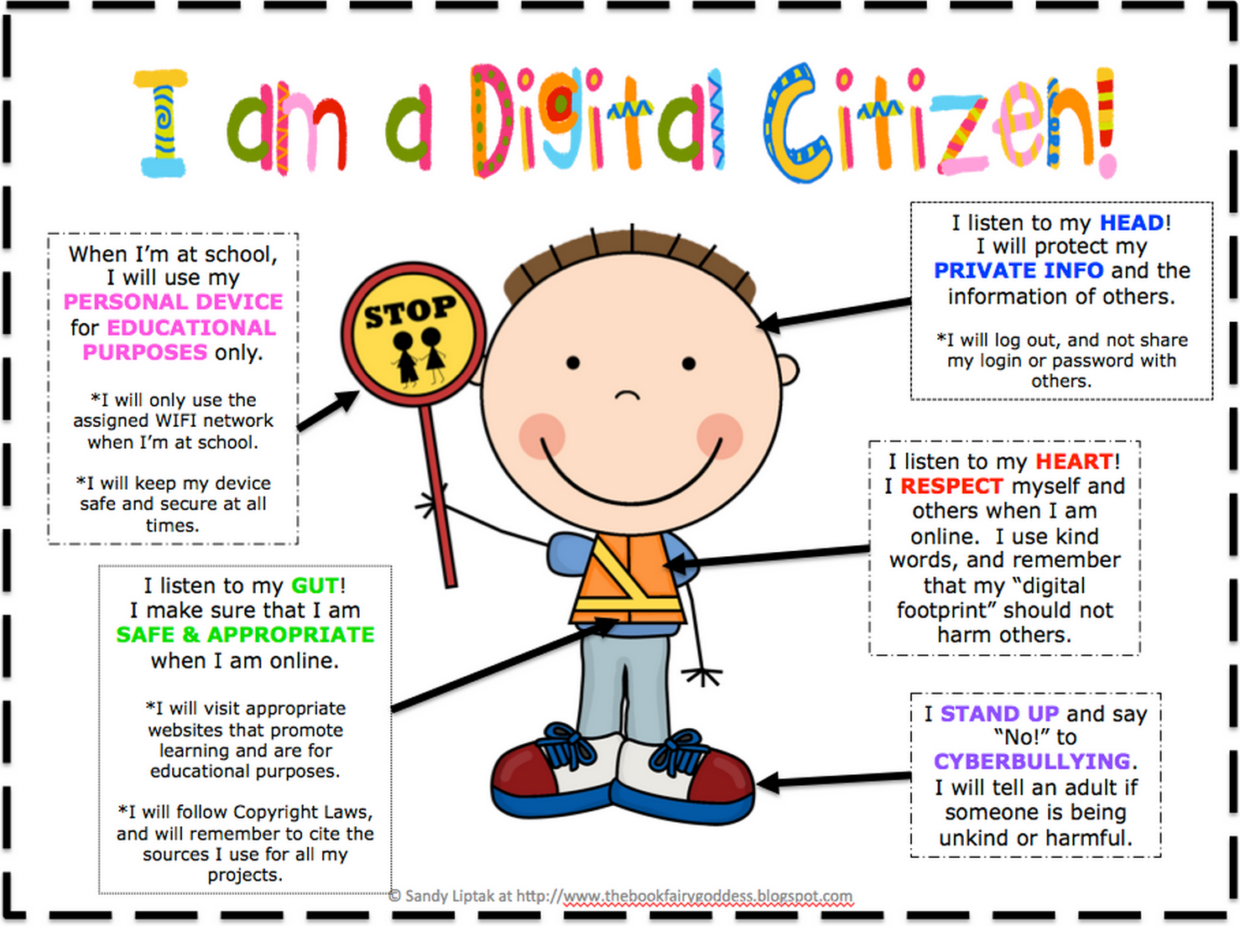
The digital world is becoming increasingly relevant and used by children in today’s society. Hsiang et al. (2024) state that “the use of the internet and digital devices in and outside of school is now common for many students as they use these tools to read, write, learn, and interact socially with others” (p.2). Many students in our schools today have access to multiple internet devices including smartphones, laptops, desk computers, and tablets (Hsiang et al., 2024, p.2). Knowing this as teachers, we must follow guidelines and safety protocols to ensure our students are safe and protected when using technology at school. Ribble (2015) states that the concept of digital citizenship “reinforces the positive aspects of technology so that everyone can work and play in this digital world” (p.7).
Digital citizenship is an important aspect to understand as a teacher and as a student. As students are using technology at an increasing rate for learning, teachers have the opportunity to now provide developmentally appropriate access to technology (Bennett, Aguayo, & Fields, 2016, p.192). With this, teachers must be diligent when monitoring the use of technology when it is being used as an educational tool (Bennett, Aguayo, & Fields, 2016, p.192).
I was placed at Nukko Lake Elementary School for my final 10 week practicum. This school had approximately 109 students with only 5 classes. Being such a small school, each class had the opportunity to have a computer block every day. Not every class scheduled computers every day, but since I was in a grade 6/7 class, my coaching teacher scheduled computers every day as a way to get students used to learning how to use a computer efficiently. Knowing how to use a computer efficiently in grade 6/7 is important because in high school, students use computers very often to do their assignments. My class used educational websites for math, English, and typing to improve their skills in these areas. Students were starting to become familiar with Microsoft Word and how to properly type out paragraphs and poems and learning how to properly save a document. Students also learned how to use the educational version of Canva as part of their ADST. As a community building game, students played minecraft. All of these programs were beneficial for student development. Before students were able to use these programs, they had to get permission and consent from their parents for safety and privacy purposes and as a way for my coaching teacher and myself to monitor their use of these programs.
Going into this practicum, I was shocked that students were getting computers every day. Now I realize the importance of this as using technology for school is becoming the reality for students in high school. Knowing the concept of digital citizenship for teachers and for students will ensure the safety and privacy of students in schools. Guiding students as much as possible and teaching them about safety and privacy protocols are important, so learning these things in grade 6/7 I think is an efficient way to prepare students for using these tools.
References
Bennett, L. B., Aguayo, R. C., & Field, S. L. (2016). At Home in the World: Supporting Children in Human Rights, Global Citizenship, and Digital Citizenship. Childhood Education, 92(3), 189–199. https://doi.org/10.1080/00094056.2016.1180892
Hsiang, T. P., Graham, S., Lin, C., & Wang, C. (2024). Students’ perceptions of their digital citizenship and practices. Reading and Writing : An Interdisciplinary Journal, 1–33. https://doi.org/10.1007/s11145-024-10594-9
Ribble, M. (2015). Digital citizenship in schools: Nine elements all students should know. International Society for Technology in Education.
